01
CHANGE YOUR PLANS
Your day changes. Your plan can too.
Move a ride and the following stops recalculate around your breaks and selected showtimes. Reshuffle your day when you want a new order.

Your rides. Your people. Your kind of day.
Turn your must-do rides, shows and breaks into a park-day plan. Follow it on your phone, reshuffle when plans change, and keep your group together.
All The Major Parksone membership
$9.95for 3 months
$14.95for 6 months
Both memberships include the same features. Renews until canceled. Park admission is separate.
Membership sales are currently paused. Existing members and invited guests can sign in.
Works in your phone’s browser · No app download · Light or dark mode

1. Pick your park & dateSet your arrival and departure.
2. Choose your good partsAdd must-dos, shows and breaks.
3. Build, follow & adjustSave your agenda and take it along.
Make every park day count
Plan before you go. Check in as you ride. Keep everyone together when the day changes.
CHANGE YOUR PLANS
Move a ride and the following stops recalculate around your breaks and selected showtimes. Reshuffle your day when you want a new order.
LIVE RIDE CHECK-IN
Check in when you join a queue and when you board. Track completed rides and adjust the remaining agenda during your visit.
ONE SHARED AGENDA
Share a link or code with up to eight signed-in followers. After making changes, share the latest schedule; you stay in control of the plan.
MAKE IT YOURS
Star the rides you love, choose shows with posted times and add up to five breaks. Plan around the hours you want to spend in the park.

TWO PLANNING STYLES
Ultimate MAX balances must-dos, estimated waits and walking. Complete in a Day prioritizes fitting more of your selected attractions.
MORE PLACES TO EXPLORE
Use one membership across supported Disney, Universal, Six Flags, LEGOLAND and other destinations. Find your next park day in the park list below.

RIDE & WAIT ALERTS

Stay informed about ride closures, reopenings and longer waits during your active park day. Set a wait-time target and get an in-app alert when fresh reports reach it.
GROUP CHAT & MEETUPS
Keep your group conversation with your shared plan. Send messages and arrange a meetup when everyone is ready to regroup.
OPTIONAL LOCATION SHARING
Choose to share your location with your group while the app is open. You control when sharing starts and stops; phone permission is required.
Attractions, showtimes and wait coverage vary by park and date. Location sharing depends on device permissions and connection.
Choose your membership ↗Two planning styles. Both included.
Make the best use of your time.
Balances your must-dos, estimated waits and walking. Choose it when your favorites and an efficient route matter most.
Fit more of your selected attractions.
Prioritizes the number of experiences that fit, while protecting must-dos. It may mean more walking or waiting.
Both respect visit hours, breaks and selected published showtimes. Neither guarantees every ride.
Find your next park day
Six Flags, Cedar Point, Knott’s Berry Farm, LEGOLAND, Disney, Universal and destinations around the world.

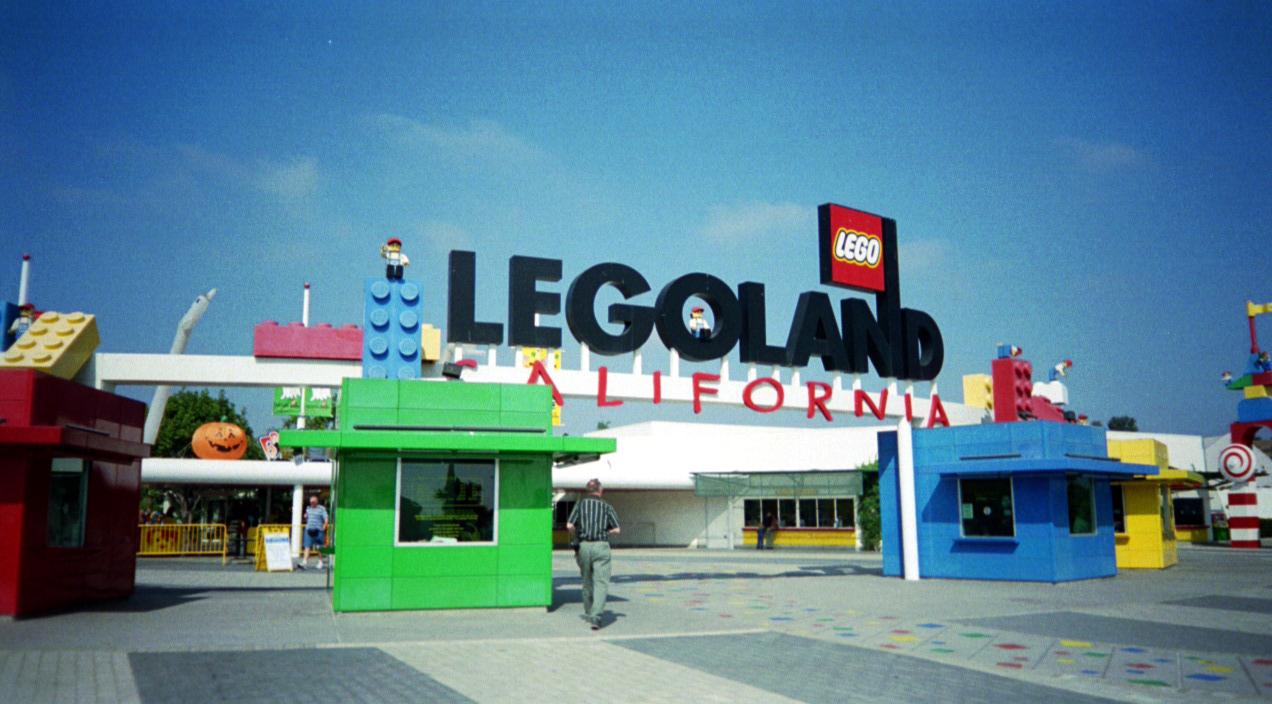


Attractions, published hours, showtimes and wait coverage vary by park and visit date.
See membership options ↗Simple pricing. The complete feature set.
Choose how long you need it. Both include both planning styles, saved plans, PDF downloads, group sharing and the in-park guide.
3-month membership
$9.95
Membership checkout is temporarily off while we finish setup. Features stay the same when sales go live.
6-month membership
$14.95
Membership checkout is temporarily off while we finish setup. Features stay the same when sales go live.
Renews every 3 or 6 months until canceled. Manage cancellation in your account. Park tickets, Lightning Lane, Express and other third-party purchases are separate.
An account alone does not unlock planning data. Already a member or invited guest? Sign in with your email.
Yes. You can use the supported park catalog during your access period; there is no separate RidePlenty membership charge per park. Catalog, wait and showtime coverage vary by park and date.
The plan owner needs active access. Up to eight invited followers can use their accounts and invitation or code to follow the shared plan. They do not receive general planner access.
Keep the official app for tickets, purchases and park announcements. RidePlenty brings your personal choices, timing, breaks and group into an adjustable itinerary.
No. Reported waits can change and rides can close. Planning times are estimates, and shows need a published time for your date. RidePlenty does not sell or book park queue passes.